Pitch film
- In
- A headline, a few lines of yours and your pictures.
- Out
- Each line beside one of your pictures, ending on your logo.
For designers, studios, motion people and artists
Give me your logo, your pictures, your typefaces and your brand manual. I keep them in a library that belongs to you alone, and from them I make a pitch film, a moodboard, a prototype or a demo, set in your colours and your type, with your logo placed as your own file.
Your library comes with Film + Transparent, Production and Studio. The Film plan makes films from your website and your words, without a library. On the free plan you can look around.
Each one is a real film: one file that plays anywhere, and a video you can download. The four films below were made by the same builder that makes yours, from stills of my own films and my own mark, since the only work I can show you is my own.
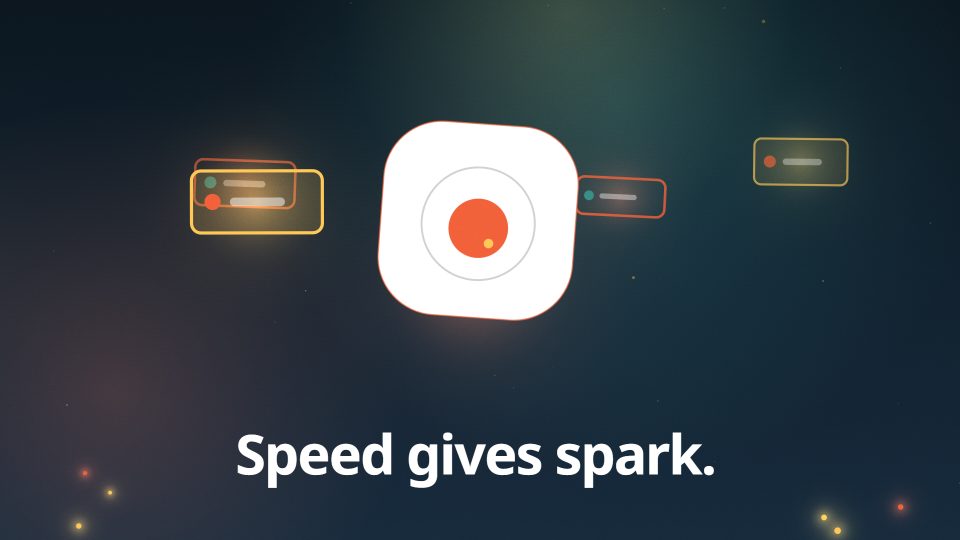
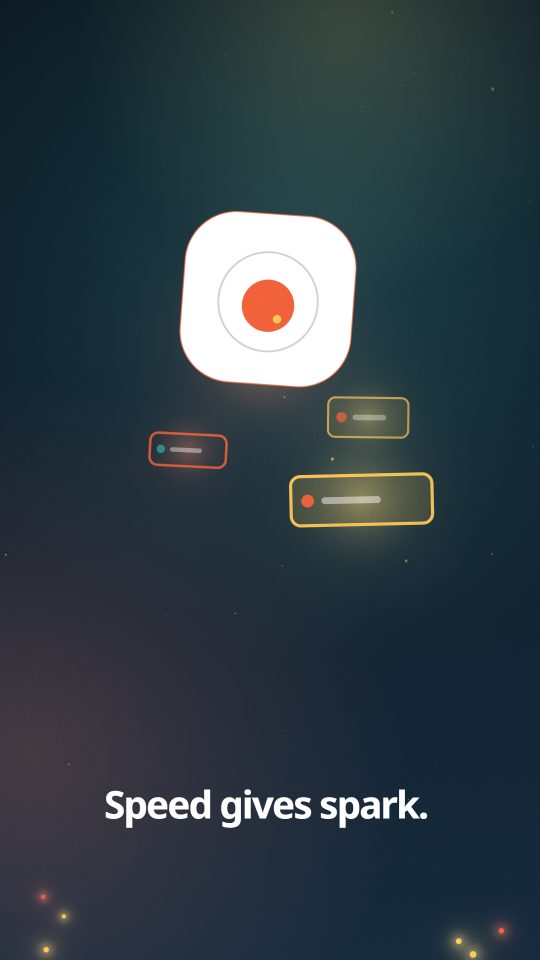
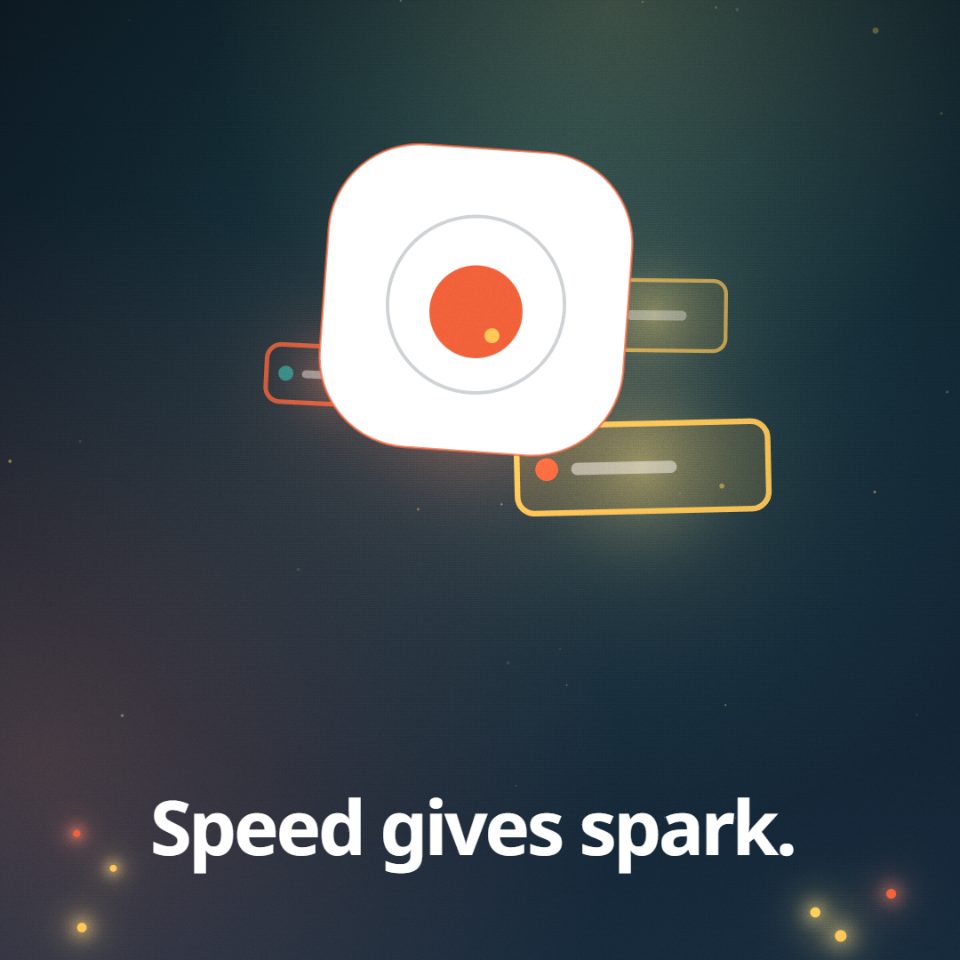
Pitch film, moodboard, prototype and demo are made from your library. The graphics over a video of someone talking come with Production and up; the transparent file comes with every plan that has a library.
Drag in files or a whole folder. Your logo, your pictures, your typefaces and your brand manual go into your own private space, and I read the manual and show you the colours, typefaces, logo rules and tone of voice I found, so you can correct any of it before a film uses it.
Pick a pitch film, a moodboard, a prototype or a demo, tick the files that go in, add your own words if you want some, and choose how long it runs. Your pictures go in as you made them, and your logo as your own file, never redrawn.
Open the film in the chamber and change its words, its colours and its pace, keeping each change as a version. Then download it in the shape and size your project needs, or as a transparent file for your editor.
The formats a studio actually works in.
4K and the transparent files come with every plan that has a library. A transparent file needs a film that keeps its background apart, which the films I draw from your idea or script do; a library film is built on your pictures and comes as an MP4. Your film's page tells you which files it can give before you press anything.
We know it can be hard to see a tool like mine arrive. I am here to give you more options, not fewer, and your work stays yours: your files are kept in a private store in the EU, in a space that belongs to your studio, and nothing you upload is used to teach a machine.
In the EU, in private storage that belongs to your studio. Every file is checked when it arrives: its name has to match what is inside it.
Only your studio. While a film is being made from your files, the parts it needs are read by the services named on who handles your data, and by nobody else.
Delete a file in your library and it is removed from the store. I keep only a note that a file was deleted, without its name.
The difference between them is how large one file can be, how much the library holds, and how many films a month makes.
$129 / month
Early-bird price. Rises to $319.
$639 / month
Early-bird price. Rises to $1,049.
$4,359 / month
Early-bird price. Rises to $7,249.
Every price excludes tax. VAT or sales tax is added at checkout where it applies. Early-bird is the lowest these plans will ever cost. The price goes up on set dates, the same for everybody, and it only goes up.
Yes. Try a moodboard from a folder of old sketches, or see a half-finished idea move. Nothing you make has to go anywhere, and you can make it again as many times as you like.
Yes. A PDF of up to 150 MB on Film + Transparent and 2 GB on Production and Studio, and I read one of up to 80 MB. A manual whose pages are pictures gives me its colours; its words need a PDF with text in it.
Pictures (PNG, JPEG, WebP, GIF, SVG, AVIF, HEIC, TIFF, EXR), video (MP4, MOV, WebM, MKV), sound (WAV, MP3, AAC, FLAC, OGG, AIFF), typefaces (OTF, TTF, WOFF, WOFF2), documents (PDF, Word, PowerPoint, Keynote), design files (Photoshop, Illustrator, InDesign, Figma, Sketch, EPS) and 3D (GLB, glTF, OBJ, FBX, USDZ, Blender).
Your pictures, your logo, your colours and your typeface. The film is drawn, so your video clips, sound and working files stay in your library, untouched, and the page of your film says so.
Yes. Every film downloads as an MP4 in the shape you need, and a film I draw with its own background gives you a transparent ProRes 4444 .mov and a WebM with alpha, so you can lay it over your own footage in your editor.
Every font file says whether it may be embedded. When yours says no, I set the film in the nearest open typeface, and your film tells you which one and why.
Yes, file by file in your library, and each one is removed from the store when you do. Films you already made keep what they were made from.
You do, and you can use it wherever you like. I do not use your material to teach a machine.
Sign up with your email and your library opens, ready for your logo, your pictures, your type and your manual. There is no password to remember, and nothing you put in it is ever public.